📋

Drug Formulary Access

Search the clinic drug catalog and check drug interactions before prescribing

2 min read

Overview

The Drug Formulary in SehaFile is your clinic's curated medication catalog. It provides a searchable database of available drugs with their standard dosages, frequencies, and interaction data. When prescribing, the formulary enables autocomplete suggestions and can alert you to potential drug-drug interactions based on the patient's current medication list.

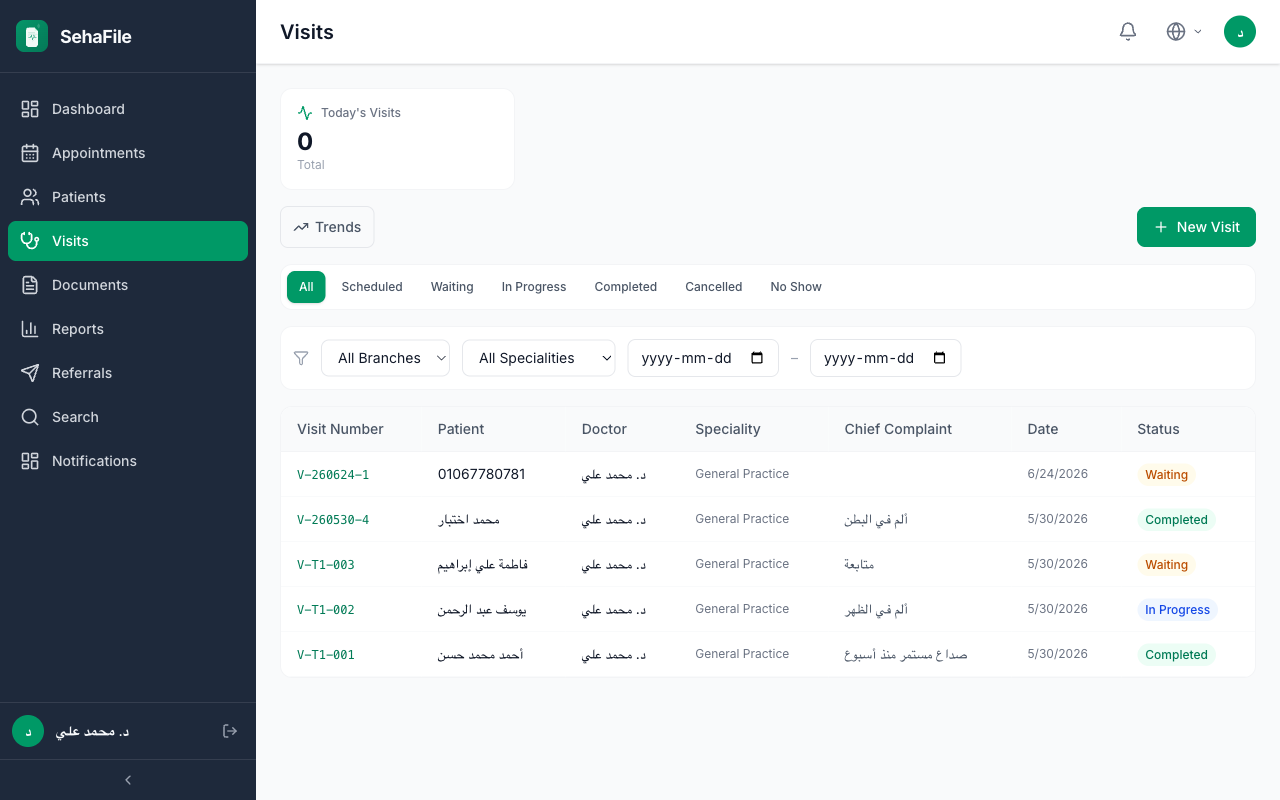
Drug formulary search interface showing medication results with dosage forms and interaction warning badges

Searching the Formulary

  1. Access during prescription writing — When typing a drug name in the prescription form, the formulary autocomplete activates automatically after 2 characters. Matching medications appear in a dropdown.
  2. Standalone formulary search — Navigate to Settings > Drug Formulary to browse the full catalog. Use the search bar to filter by drug name (Arabic or English), active ingredient, or category.
  3. View drug details — Click any drug in the results to see:
    • Generic and brand names
    • Available dosage forms (tablet, syrup, injection, etc.)
    • Standard dosages per age group
    • Common frequencies
    • Known interactions with other medications
  4. Select to prescribe — Click Use to auto-populate the prescription form with the drug's standard dosage and frequency.

Interaction Checking

  1. Automatic checking — When you add a medication to the prescription, the system cross-references it against other medications in the current visit and the patient's active prescriptions from previous visits.
  2. Interaction warnings — If an interaction is found, a yellow or red warning banner appears with:
    • The conflicting drug pair
    • Severity level (minor, moderate, major)
    • Brief description of the interaction effect
  3. Override if needed — You can proceed with prescribing despite the warning. The system logs that you acknowledged the interaction.
Clinic administrators can customize the formulary by adding or removing drugs, setting preferred medications, and importing updated interaction databases. Contact your admin to add new medications to the catalog.
The interaction database depends on clinic configuration. If your clinic has not imported interaction data, warnings will not appear. Always rely on your clinical judgment alongside system alerts.

FAQ

Who manages the drug formulary?

Clinic administrators manage the formulary via Settings > Drug Formulary. Doctors have read-only access for searching and prescribing.

Can I prescribe drugs not in the formulary?

Yes. The formulary provides autocomplete convenience, but you can always type a drug name manually. Non-formulary drugs will not have interaction checking.

How often is the interaction database updated?

The clinic admin can import updated interaction data at any time. SehaFile supports standard drug interaction database formats.

Was this article helpful?