📚

Viewing Patient History

Access full visit history, previous orders, medical summary with conditions, medications, and allergies

2 min read

Overview

SehaFile provides doctors with comprehensive patient history access directly within the visit workspace. The PatientHistorySidebar component displays the full medical summary including past visits, chronic conditions, current medications, allergies, and previous lab/imaging orders. This context is critical for informed clinical decision-making and prevents duplicate tests or dangerous drug interactions.

Patient history sidebar showing medical summary cards, chronological visit list, active medications, allergies, and previous orders with results

Accessing Patient History

  1. From within a visit — The patient history sidebar automatically loads on the right side of the visit workspace. It calls GET /visits/patient/:patientId/history.
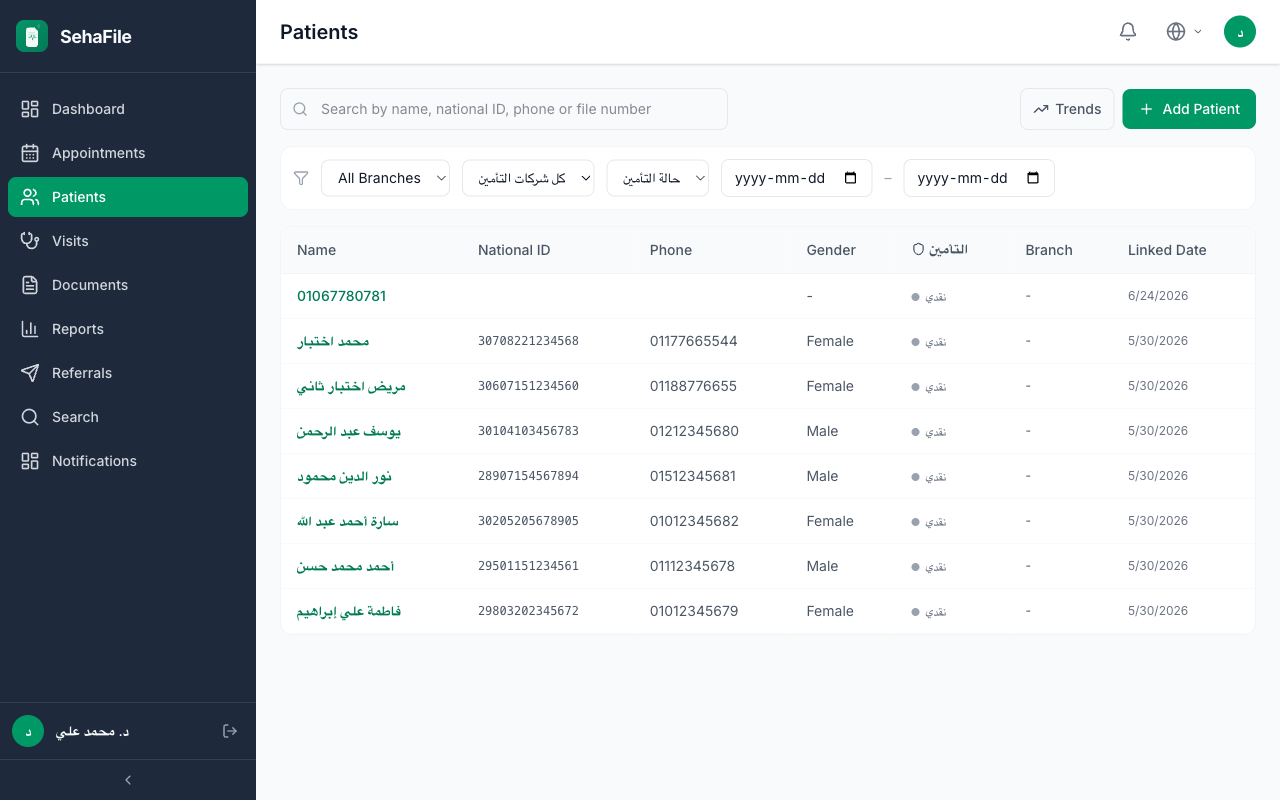
  2. From the patient list — Navigate to Patients, find the patient, and click their profile to view the full history page.
  3. Previous orders context — Within a visit, click Previous Orders (GET /visits/:id/previous-orders) to see past lab and imaging orders with results, optionally filtered by episode.

What Patient History Includes

  • Visit History — Chronological list of all past visits with:
    • Visit date and type
    • Attending doctor
    • Chief complaint and diagnoses
    • Status (completed/cancelled)
  • Medical Summary — Key clinical data:
    • Active chronic conditions (ongoing diagnoses)
    • Current medications (active prescriptions)
    • Known allergies (drug and non-drug)
    • Surgical history
  • Previous Orders — Past lab and imaging orders with results:
    • Test/imaging name and date
    • Results and doctor review comments
    • Trend data for repeated tests
  • Episode Context — If the current visit belongs to a treatment episode, GET /visits/:id/episode-context shows all related data from that episode.
The patient history sidebar is collapsible. Expand or collapse it using the arrow button on the right edge. On larger screens, it stays open by default for quick reference during consultations.
Patient history includes sensitive medical information. It is displayed only to authorized roles (doctors, admins) within the clinic. Ensure you are viewing the correct patient before making clinical decisions.

FAQ

Does the history include visits from other clinics?

If the patient has a citizen profile and granted access, visits from other SehaFile clinics that were synced to their citizen profile may be visible. Otherwise, only visits within your clinic are shown.

Can I filter history by date or condition?

Yes. The visit history list supports date range filters. You can also filter by episode to see only visits related to a specific condition.

How far back does the history go?

The history includes all visits since the patient was registered in your clinic. There is no time limit on historical data retention.

Was this article helpful?