👨‍⚕️

Doctor Commissions

Configure commission rules, calculate doctor earnings, and process payouts

3 min read

Overview

Doctor commissions in SehaFile automate the calculation and tracking of physician earnings based on services they perform. You define commission rules (percentage or fixed amount per service), and the system automatically calculates commission amounts for each visit. Importantly, commissions are calculated on the full service value (invoice subtotal before discounts/tax), NOT on the patient copay, ensuring doctors receive fair compensation regardless of insurance splits.

Configuring Commission Rules

  1. Navigate to Commission Rules: Go to Financial > Commission Rules from the sidebar.
  2. Click + New Rule: Click the + New Rule button.
  3. Select Doctor: Choose the doctor this rule applies to.
  4. Choose Commission Type:
    • Percentage (نسبة) - A percentage of the service value (e.g., 30% of consultation fee)
    • Fixed (مبلغ ثابت) - A fixed amount per service (e.g., 100 EGP per consultation)
  5. Set Rate: Enter the rate - either percentage (e.g., 30) or fixed amount (e.g., 100).
  6. Set Applies To (Optional): Specify which services this rule covers (e.g., "consultation", "procedure", or "all" for everything).
  7. Save: Click Create Rule. The new rule replaces any previous active rule for the same doctor and service type.

How Commissions Are Calculated

When a visit is completed and invoiced:

  1. The system checks if the doctor has an active commission rule
  2. The base amount is the invoice subtotal (sum of unit_price x quantity for all items)
  3. For percentage rules: commission = base_amount x rate / 100
  4. For fixed rules: commission = the fixed rate amount
  5. A commission record is created with status "pending"

Viewing and Paying Commissions

  1. View Commission List: Go to Financial > Commissions. Filter by doctor, date range, or status.
  2. Commission Summary: Click Summary tab to see per-doctor totals:
    • Pending total (unpaid commissions)
    • Paid total (already disbursed)
    • Total count of commission entries
    • Funding source breakdown (how much came from insurance vs. patient payments)
  3. Pay Commissions: Select pending commissions using checkboxes and click Mark as Paid. The system updates their status to "paid" and records today's date as the paid_date.

Tip: Commissions are calculated on the full subtotal, not just the copay. A doctor performing a 500 EGP consultation for an insured patient (where insurance pays 400 EGP and patient pays 100 EGP) still earns commission on the full 500 EGP.

Warning: When you create a new rule for a doctor with an existing active rule for the same service type, the old rule is automatically deactivated. Only one active rule per doctor per service type is allowed.

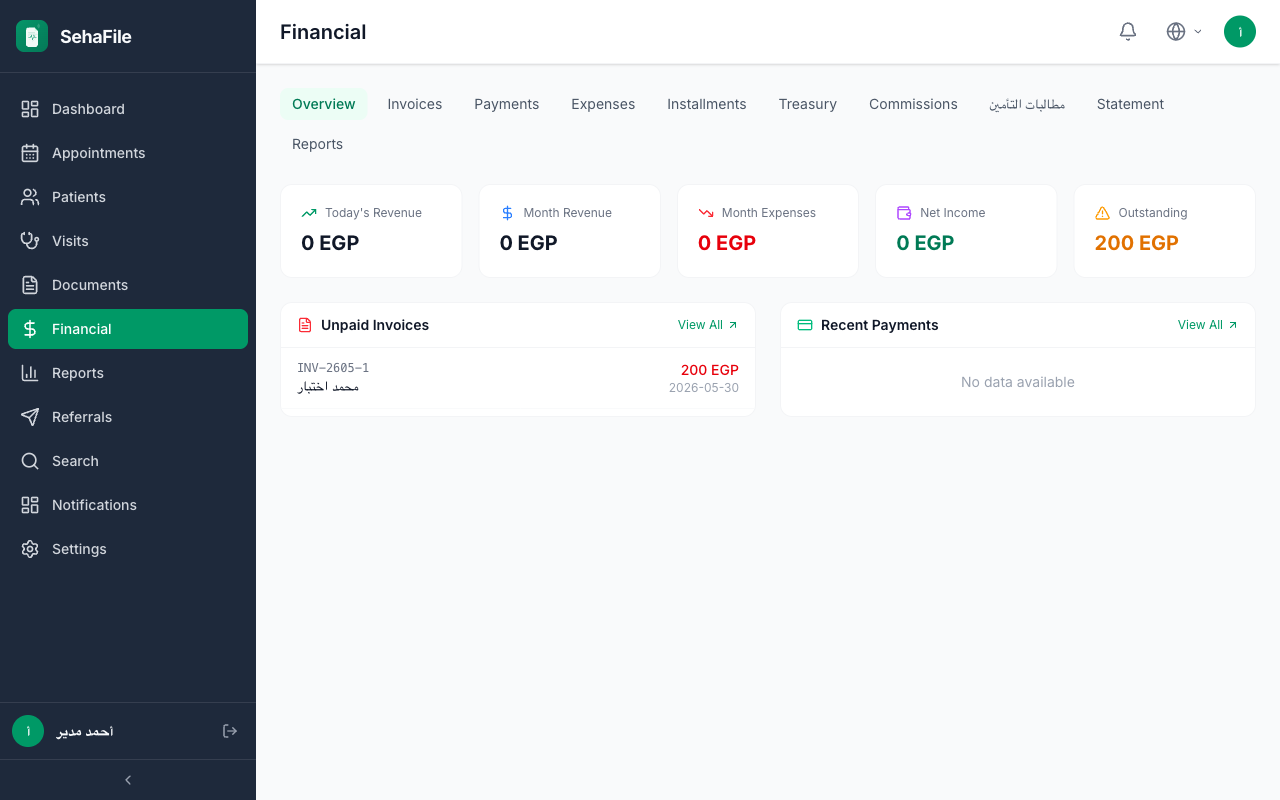
Commission rules configuration and summary showing per-doctor pending/paid totals with funding source breakdown

Frequently Asked Questions

Can a doctor have different commission rates for different services?

Yes. Create separate rules with different "applies_to" values (e.g., 40% for procedures, 25% for consultations).

What is the "funding source" in the commission summary?

It shows how much of the base amount (on which commissions were calculated) was funded by insurance vs. paid by patients. This is informational - it does not affect the commission amount.

Can I see commissions for a specific time period?

Yes. Use the "from" and "to" date filters on the commissions list and summary views.

Are commissions affected by discounts on the invoice?

No. Commissions are calculated on the subtotal (before discount and tax), ensuring the doctor is compensated for the full value of services rendered.

Was this article helpful?