🔍

Coverage Verification

Check if a service is covered by insurance, calculate copay, and verify patient eligibility

3 min read

Overview

Coverage verification in SehaFile allows you to check in real-time whether a specific service is covered by a patient's insurance plan, what the coverage percentage is, how much the patient will pay as copay, and whether the annual ceiling has been reached. This should be performed BEFORE providing services to avoid billing disputes.

Running a Coverage Check

  1. Access the Tool: Navigate to Financial > Invoices > + New Invoice and select the patient. Then click the Calculate Insurance (حساب التغطية) button, or use it from the invoice creation form.
  2. Enter Service Items: Add the services you want to verify:
    • Service Type - consultation, procedure, lab, imaging, medication
    • Service Code - The specific code (e.g., "CONS-001", "LAB-CBC")
    • Unit Price - Your clinic's standard price
    • Quantity - Number of units
  3. Click Calculate: The system returns a detailed breakdown for each item:
    • is_covered - Whether the service is covered at all
    • coverage_percentage - The percentage the insurer covers
    • insurance_share - Amount the insurer will pay
    • patient_share - Amount the patient must pay (copay)
    • insurance_price - The insurer's approved price for this service
    • write_off_amount - Difference between clinic price and insurance price (absorbed by clinic)
    • coverage_notes - Any warnings or notes about coverage limitations

Understanding the Results

Annual Ceiling Check

The system automatically checks the patient's annual ceiling:

  • ceiling_max - Maximum annual coverage amount
  • ceiling_used - Amount already used this year
  • ceiling_remaining - Amount still available

If the insurance share exceeds the remaining ceiling, it is automatically capped and the excess is shifted to the patient's share with a warning message.

Eligibility Checks

The system verifies:

  • Patient has an active insurance_company_id
  • Insurance policy has not expired (insurance_valid_to)
  • The specific service code exists in the insurer's price list

Tip: Run coverage verification before every insured patient visit. This sets correct expectations and allows the receptionist to collect the copay upfront.

Warning: If the patient's insurance has expired, the system will return all items as uncovered with the warning "Insurance policy has expired". Do not proceed with insurance billing in this case.

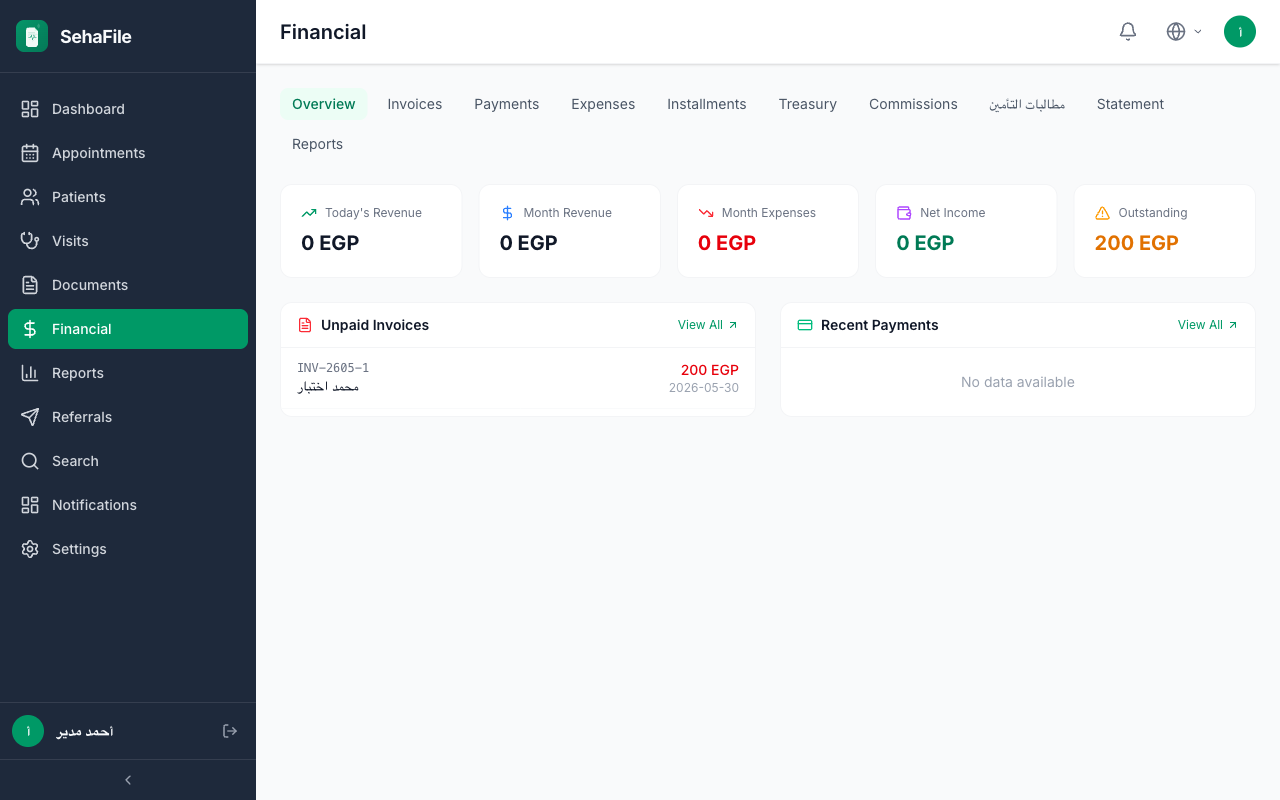
Coverage verification results showing per-item breakdown with coverage percentages, insurance shares, patient copay, and ceiling remaining

Frequently Asked Questions

What does "write_off_amount" mean?

When your clinic price is higher than the insurance-approved price, the difference is the write-off. For example, if you charge 500 EGP for a service but the insurer only approves 400 EGP, the 100 EGP difference is written off by the clinic.

Can I verify coverage for multiple services at once?

Yes. The coverage check accepts an array of items and returns results for all of them simultaneously, including cumulative ceiling calculations.

What if a service code is not found in the price list?

The service will be marked as not covered (is_covered = false) and the full amount becomes the patient's responsibility.

Was this article helpful?