📋

Visit History

View your complete medical visit timeline from all clinics and manual entries

3 min read

Overview

Visit History provides a unified timeline of every medical visit you have had -- whether recorded by a clinic using SehaFile or manually logged by you. This creates a comprehensive medical diary that helps you and your doctors understand your healthcare journey over time. Visits are displayed chronologically with the most recent at the top, and can be filtered by specialty.

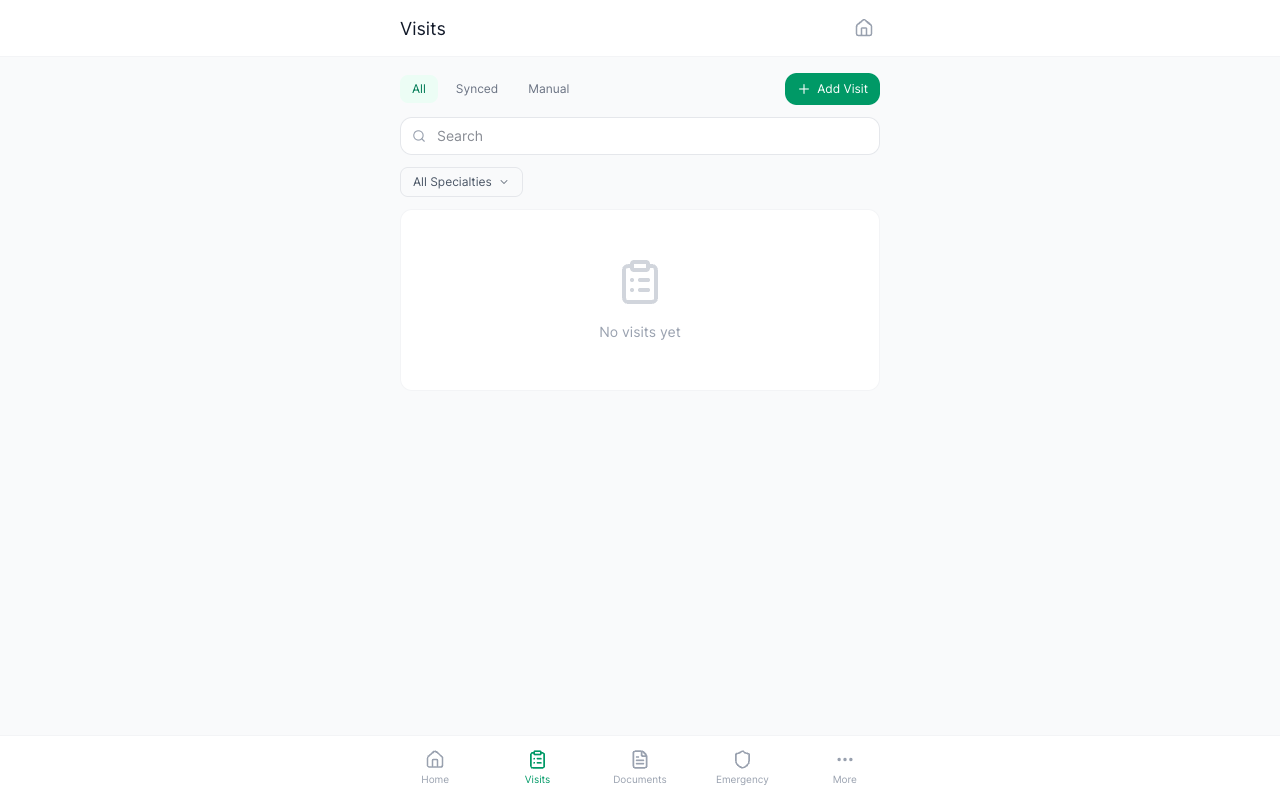
Visit timeline showing chronological visit cards with doctor names and specialties

Viewing Your Visit Timeline

  1. Open Visits -- Tap the "Visits" tab (clipboard icon) in the bottom navigation bar. The visits page shows your full visit history.
  2. Timeline View -- Visits are displayed in a vertical timeline format. Each visit card shows:
    • Doctor name and specialty
    • Clinic name
    • Visit date
    • Chief complaint (the reason for the visit)
    • Diagnosis (if recorded)
  3. Filter by Specialty -- Use the specialty filter at the top to narrow visits to a specific specialty (e.g., show only cardiology visits). Available specialties include: General Medicine, Internal Medicine, Pediatrics, OB/GYN, Orthopedics, Surgery, Ophthalmology, ENT, Dermatology, Urology, Cardiology, Neurology, Pulmonology, Dentistry, and Psychiatry.
  4. Pagination -- Visits load 20 at a time. Scroll to the bottom and tap "Load More" to see older visits.

Viewing Visit Details

  1. Tap a Visit Card -- Tap any visit in the timeline to open its full detail page.
  2. Detail View -- The detail page shows all recorded information: doctor name, clinic, specialty, date, chief complaint, diagnosis, notes, and any linked documents or lab results.
  3. Edit or Delete -- For manually logged visits, you can edit or delete them from the detail page. Clinic-synced visits cannot be deleted.

Tip: Use the timeline view to prepare for specialist appointments. Review your visit history for that specialty to give the new doctor a complete picture of your treatment progress.

Synced vs. Manual Visits

Synced visits come from clinics that use SehaFile. When a doctor completes your visit in their system, the record automatically appears in your timeline. Manual visits are those you log yourself using the "Log a Visit" feature. Both types appear in the same timeline for a complete picture.

FAQ

Why is a visit I had not showing in my timeline?

If the clinic does not use SehaFile, the visit will not be automatically synced. You can manually log it using the "Log a Visit" feature (the "+" button on the visits page).

Can I export my visit history?

Yes. The Data Export feature includes all your visits. Go to Settings and tap "Export Data" to download your complete health record as a JSON file.

How far back does the visit history go?

There is no time limit. Your visit history includes all visits from the time you registered plus any past visits you manually log, regardless of date.

Was this article helpful?