Drug Formulary
Manage your clinic's drug catalog with dosage forms and interaction warnings
Overview
The drug formulary is your clinic's personalized medication catalog. It powers the prescription autocomplete, provides default dosage suggestions, and enables quick drug selection during visits. While SehaFile includes a platform-wide drug database (platform_drugs), the formulary lets you customize which drugs appear in your clinic's prescription workflow, set your preferred defaults, and add notes specific to your practice.
Managing the Drug Formulary
- Navigate to Settings > Drug Formulary — Click Settings in the sidebar and select the Drug Formulary tab.
- Add a drug — Click "Add Drug" and fill in:
- Trade name — The brand name (e.g., "Augmentin", "Concor")
- Generic name — The active ingredient (e.g., "Amoxicillin/Clavulanate", "Bisoprolol")
- Form — Select: tablet, capsule, syrup, injection, cream, drops, inhaler, suppository
- Strength — Dosage strength (e.g., "625mg", "5mg")
- Default dosage — Your preferred default (e.g., "1 tablet")
- Default frequency — How often (e.g., "Twice daily")
- Default duration — Standard duration (e.g., "7 days")
- Category — Therapeutic category (e.g., "Antibiotics", "Antihypertensives")
- Notes — Any clinical notes or warnings
- Import from platform — Alternatively, click "Import from Database" to browse the platform drug database and add drugs to your formulary with one click.
- Deactivate unused drugs — Toggle is_active to false for drugs you no longer prescribe. They disappear from autocomplete but remain in historical records.
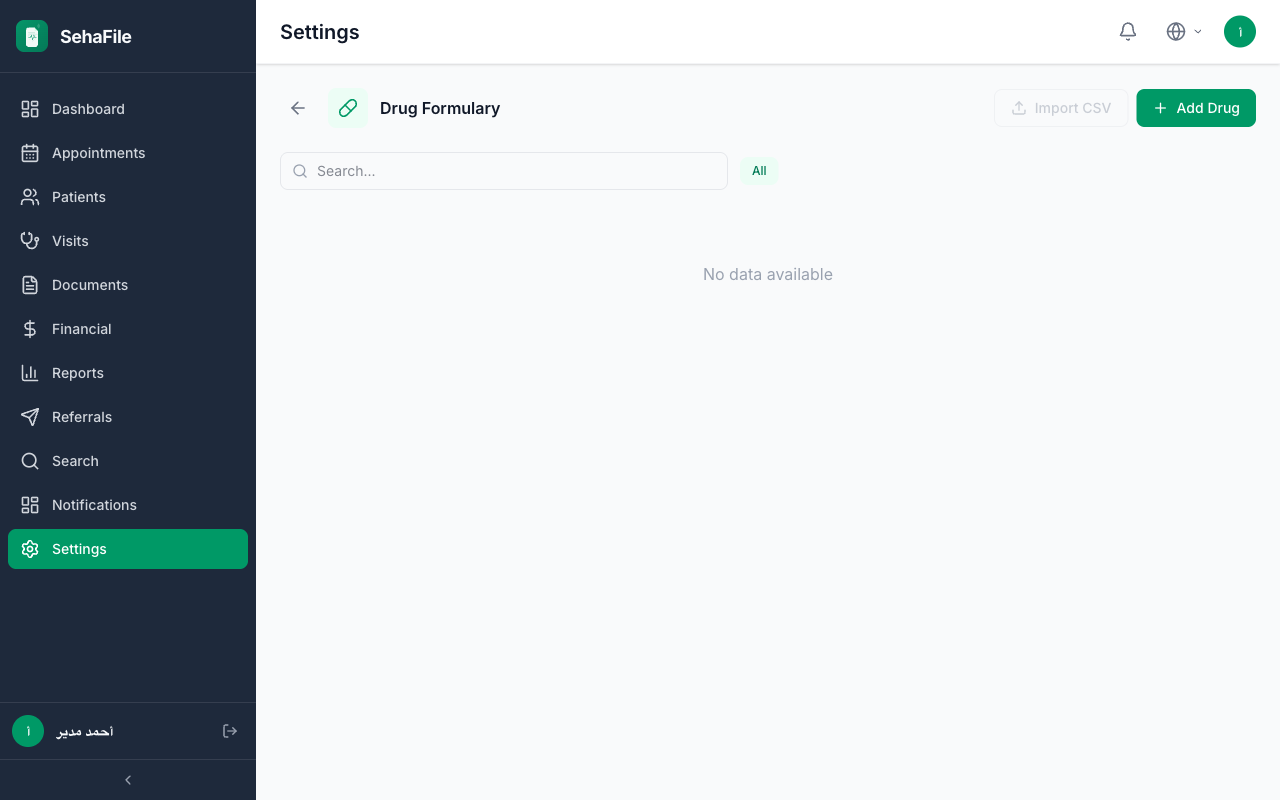
Drug formulary list showing trade names, forms, strengths, and default dosage information
Frequently Asked Questions
Does the formulary check for drug interactions?
The platform_drugs table includes interaction_warnings and contraindications. When a doctor prescribes a drug that has known interactions with the patient's current medications, a warning alert is displayed.
Can I add drugs not in the platform database?
Yes. The formulary is independent of the platform database. You can manually add any drug with custom details. However, platform drugs provide additional safety data (interactions, recalls) that manual entries lack.
How do I handle controlled substances?
Drugs flagged as is_controlled in the platform database display a special badge. Prescriptions for controlled substances may require additional documentation per Egyptian pharmacy regulations.
Was this article helpful?