Reports & Analytics
Generate revenue, visit, patient, and custom reports with Excel/PDF export
Overview
SehaFile's reporting module provides comprehensive analytics for your clinic operations. Access pre-built reports for revenue, visit volume, patient demographics, doctor performance, and disease statistics. Reports can be filtered by date range, doctor, branch, and other parameters. Export any report to Excel or PDF for external analysis or regulatory submissions.
Accessing Reports
- Navigate to Reports — Click Reports (BarChart3 icon) in the sidebar.
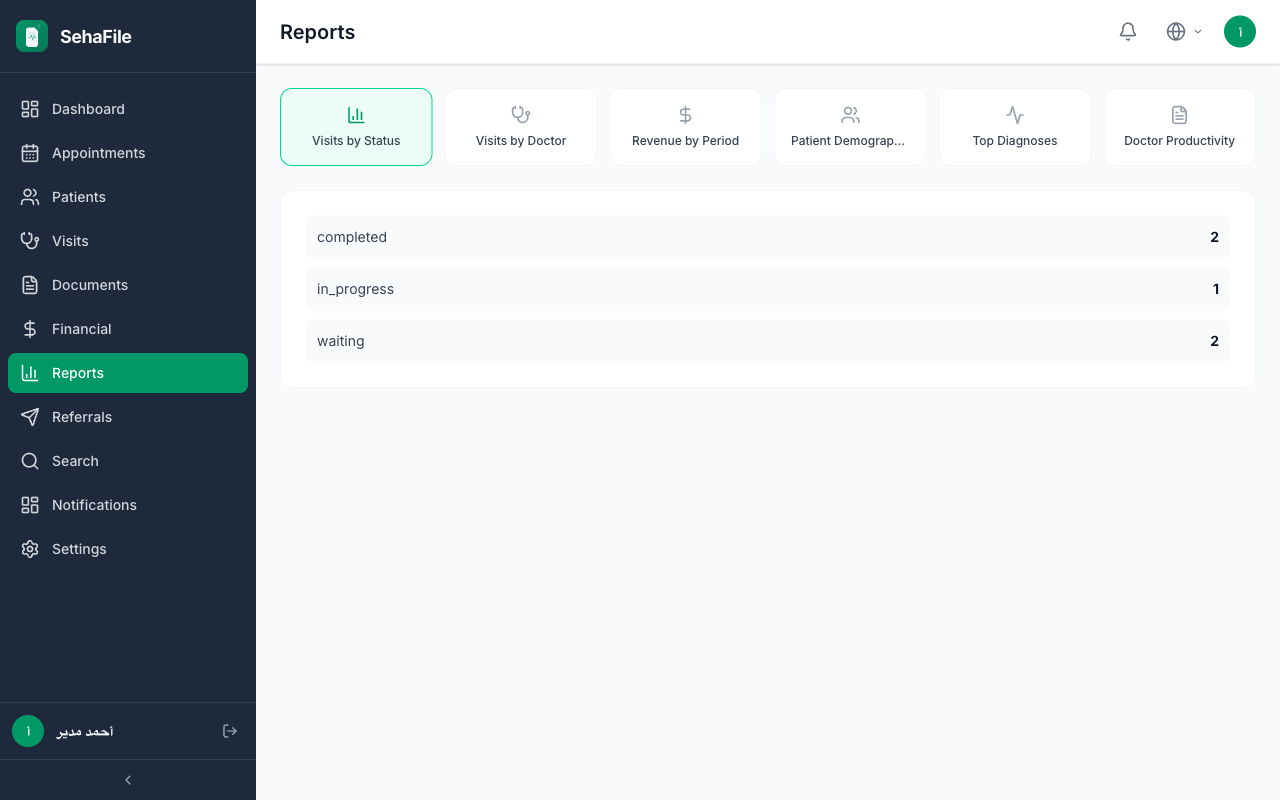
- Select report type — Choose from available reports:
- Revenue Report — Income by day/week/month, payment methods, insurance vs. self-pay
- Visit Report — Visit counts by doctor, specialty, status
- Patient Report — New registrations, demographics, insurance coverage
- Doctor Performance — Visits per doctor, revenue generated, average visit duration
- Disease Reports — ICD-10 diagnosis frequency, top conditions
- Financial Reports — Detailed income/expense breakdown, outstanding balances
- Set filters — Use the AnalyticsFilterBar to set date range, branch, doctor, and other parameters.
- View results — Reports render with charts (TrendLineChart, TopNBarChart, PieDonutChart) and data tables.
- Export — Click the ExportButton to download as Excel (.xlsx) or PDF. The ExportMenu component provides format options.
Reports dashboard showing revenue trend chart, visit volume bars, and export options
Frequently Asked Questions
Can I create custom report presets?
Yes. After setting your preferred filters and report type, click "Save as Preset" to create a named preset. Access your presets from the presets dropdown on subsequent visits.
Who can access reports?
Users with reports.view permission. Export requires reports.export permission. By default, admin and accountant roles have full report access.
Can I compare periods side by side?
Yes. The date range filter supports comparison mode. Select "Compare to" and pick a previous period. Charts will overlay both periods for easy comparison.
Was this article helpful?