🔬

Procedures Catalog

Define clinic procedures with CPT codes, pricing, and specialty assignment

2 min read

Overview

The Procedures Catalog defines all clinical procedures your clinic offers, complete with standardized CPT codes, pricing, and specialty classification. This catalog feeds into visit documentation (when a doctor records a procedure performed), billing (for automatic invoice generation), and reporting (procedure volume analytics). Having a comprehensive catalog ensures consistent naming and pricing across all staff.

Adding Procedures

  1. Navigate to Settings > Procedures — Click Settings and select the Procedures tab.
  2. Click "Add Procedure" — Fill in:
    • Name (Arabic) — Procedure name in Arabic (e.g., "تنظيف أسنان")
    • Name (English) — English name (e.g., "Dental Scaling")
    • CPT code — Standard CPT code if applicable (e.g., "D1110")
    • Specialty — The clinical specialty this procedure belongs to
    • Default cost (EGP) — Standard price for this procedure
  3. Toggle active status — Set is_active to true. Inactive procedures are hidden from selection but preserved for historical records.
  4. Save — The procedure is now available in visit forms and billing.
Tip: Doctors can add procedures to their favorite_procedures list for quick access. When documenting a visit, their favorites appear first in the procedure selection dropdown.

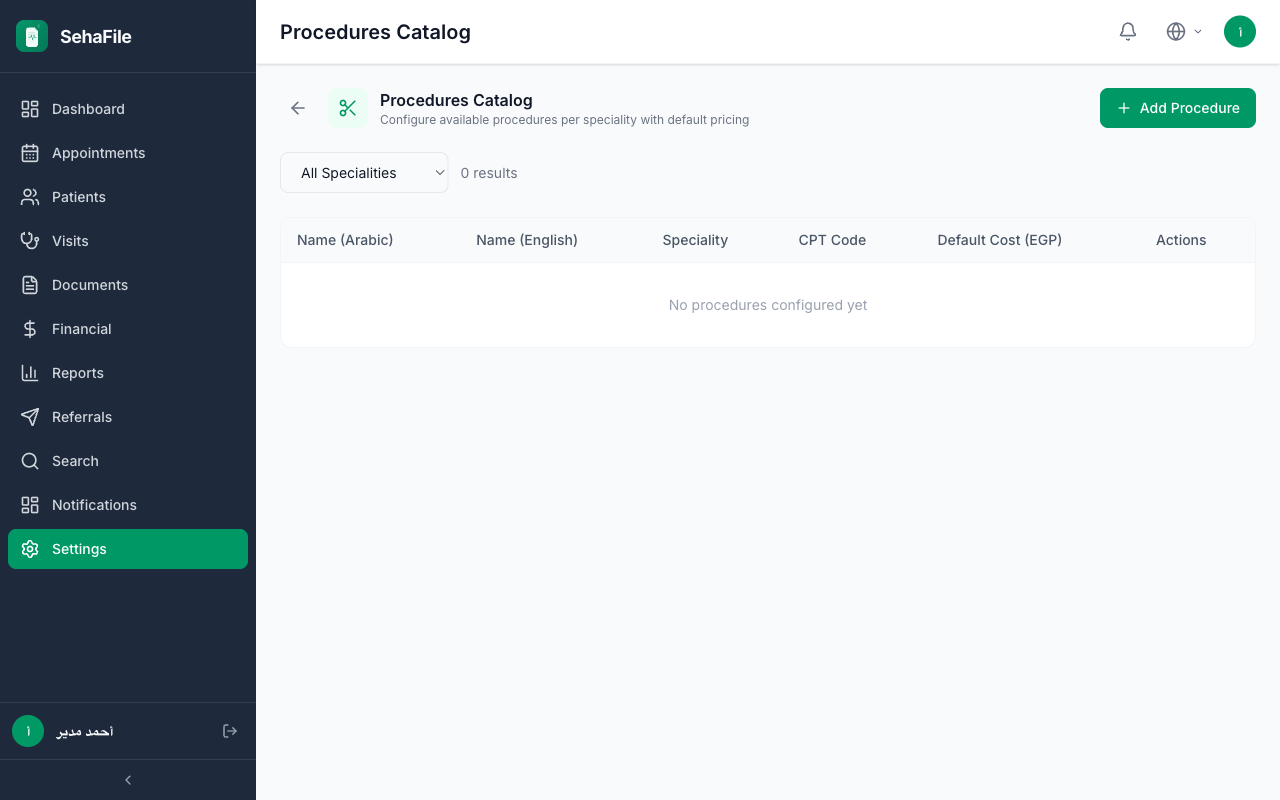
Procedures catalog showing procedure names, CPT codes, specialties, and pricing

Frequently Asked Questions

Are CPT codes mandatory?

No. The cpt_code field is optional. However, having CPT codes helps with insurance claims and standardized reporting.

Can the same procedure have different prices for insured vs. non-insured patients?

Yes. The default_cost in the catalog is for self-pay patients. Insurance pricing is handled separately through insurance price lists, which may override the catalog price.

How do procedures relate to the fee schedule?

The fee schedule covers general services (consultations, admin fees), while the procedures catalog covers clinical interventions. Both feed into invoicing but are managed separately for clarity.

Was this article helpful?