Inventory Management
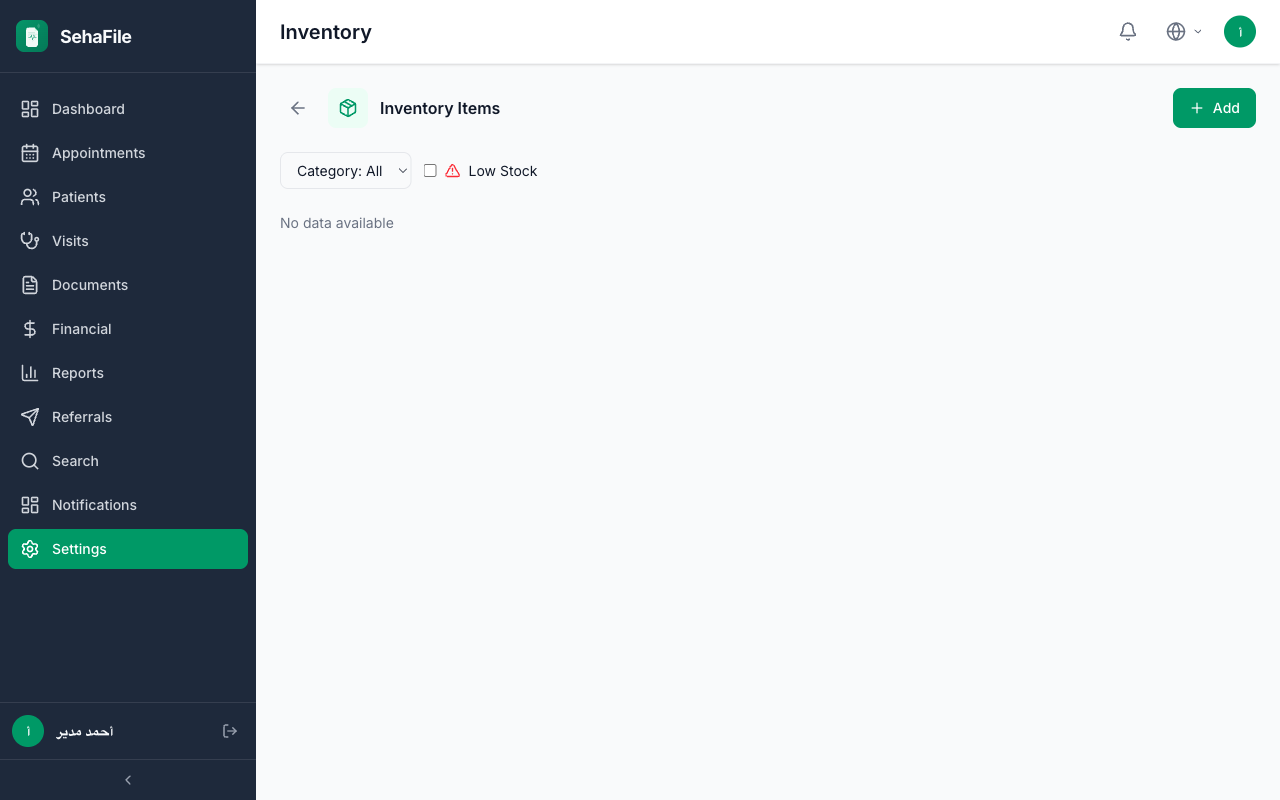
Track medical supplies, stock levels, and transactions
Overview
Track medical supplies, stock levels, and transactions. This guide walks you through step by step how to use this feature in the SehaFile platform.
Steps
- Log in to your SehaFile account
- Navigate to the appropriate section from the sidebar menu
- Follow the on-screen instructions to complete the process
- Make sure to save all changes before leaving the page
Important Notes
Tip: You can access this feature from any page using the quick search bar.
FAQ
How do I access this feature?
You can access it from the sidebar menu or by searching in the top search bar.
What if I encounter a problem?
If you encounter any issues, you can contact the support team through support tickets or via the "Contact Us" page.
Warning: Make sure you have the appropriate permissions to access this feature. If you cannot access it, contact your clinic administrator.