📦

Treatment Packages

Create service bundles with session counts, assign to patients, and track usage

2 min read

Overview

Treatment packages allow you to bundle multiple services or sessions into a single prepaid package at a discounted price. This is ideal for treatments requiring multiple visits (e.g., physiotherapy courses, dental treatment plans, dermatology sessions). Patients purchase a package, and the system tracks how many sessions they have used versus remaining, including an expiry date for package validity.

Creating a Treatment Package

  1. Navigate to Settings > Treatment Packages — Click Settings and select the Treatment Packages tab.
  2. Click "Create Package" — The package builder form appears.
  3. Define package details:
    • Name (Arabic) — e.g., "باقة العلاج الطبيعي - 10 جلسات"
    • Name (English) — e.g., "Physiotherapy Package - 10 Sessions"
    • Description — What the package includes and any terms
    • Sessions count — Total number of sessions included (e.g., 10)
    • Validity days — How many days the package remains valid after purchase (e.g., 90 days)
  4. Add services — Specify included services with their unit prices:
    • Service name, service type, quantity, and unit price for each component
  5. Set pricing:
    • Total price — Sum of all service unit prices multiplied by quantities
    • Discounted price — The actual price the patient pays (the bundle discount)
  6. Save — The package is now available for assignment to patients.

Assigning a Package to a Patient

  1. Open the patient's record and go to the Packages tab.
  2. Click "Assign Package" and select the package.
  3. Set the purchase date and payment information (amount_paid, billing_mode: self_pay or insurance).
  4. The system calculates the expiry_date based on validity_days.
  5. Click Save. The patient now has an active package with tracked sessions.
Tip: When a patient with an active package checks in for a visit, the system shows a reminder of their remaining sessions. Each visit that uses the package automatically increments the used_sessions counter.
Warning: Expired packages (past expiry_date) automatically change status to "expired". Sessions cannot be consumed after expiry. If needed, create a new package or extend the original by editing the expiry date.

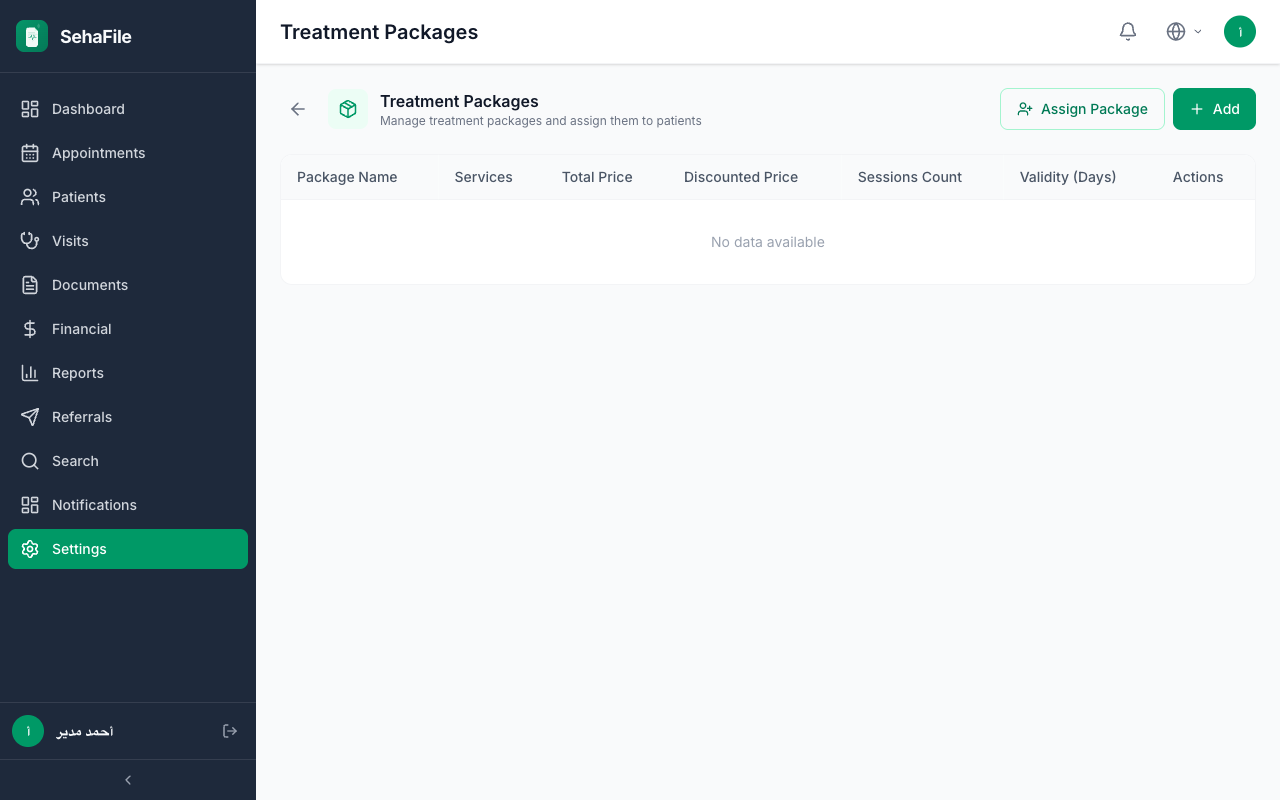
Treatment package list showing package names, session counts, pricing, and validity periods

Frequently Asked Questions

Can a package be partially refunded?

Yes. You can cancel a patient package and issue a credit note proportional to unused sessions. Change the status to "cancelled" and record the refund amount.

Can insurance cover a treatment package?

Yes. Set billing_mode to "insurance" and link the insurance_company_id. The package cost will be included in insurance claims rather than charged to the patient directly.

Was this article helpful?